

How to Display Multiple LEGO Sets Together Without Clutter?|Mark's Magic
Displaying multiple LEGO® sets together is one of the most rewarding parts of collecting—but it’s also where many collections start to feel crowded or visually overwhelming. When every build competes for attention, even the most impressive sets can lose their impact.
This guide explains how to display multiple LEGO sets together without clutter, focusing on layout logic, spacing, and presentation techniques that help your collection feel intentional, balanced, and gallery-worthy.
Why Display Planning Matters for LEGO Collections
When LEGO sets are displayed without a plan, the result is often visual noise: mixed scales, competing colors, and no clear focal point.

Thoughtful display design helps:
-
Highlight the best details of each build
-
Create visual flow across multiple sets
-
Make even large collections feel clean and organized
The goal isn’t to show everything at once—it’s to let each build breathe while still telling a cohesive story.
Group LEGO Sets by Theme, Scale, or Color
One of the simplest ways to reduce clutter is grouping with intention. Just as importantly, themed grouping makes it much easier for viewers to understand and appreciate your collection, especially if they are not LEGO experts.
Display by Theme
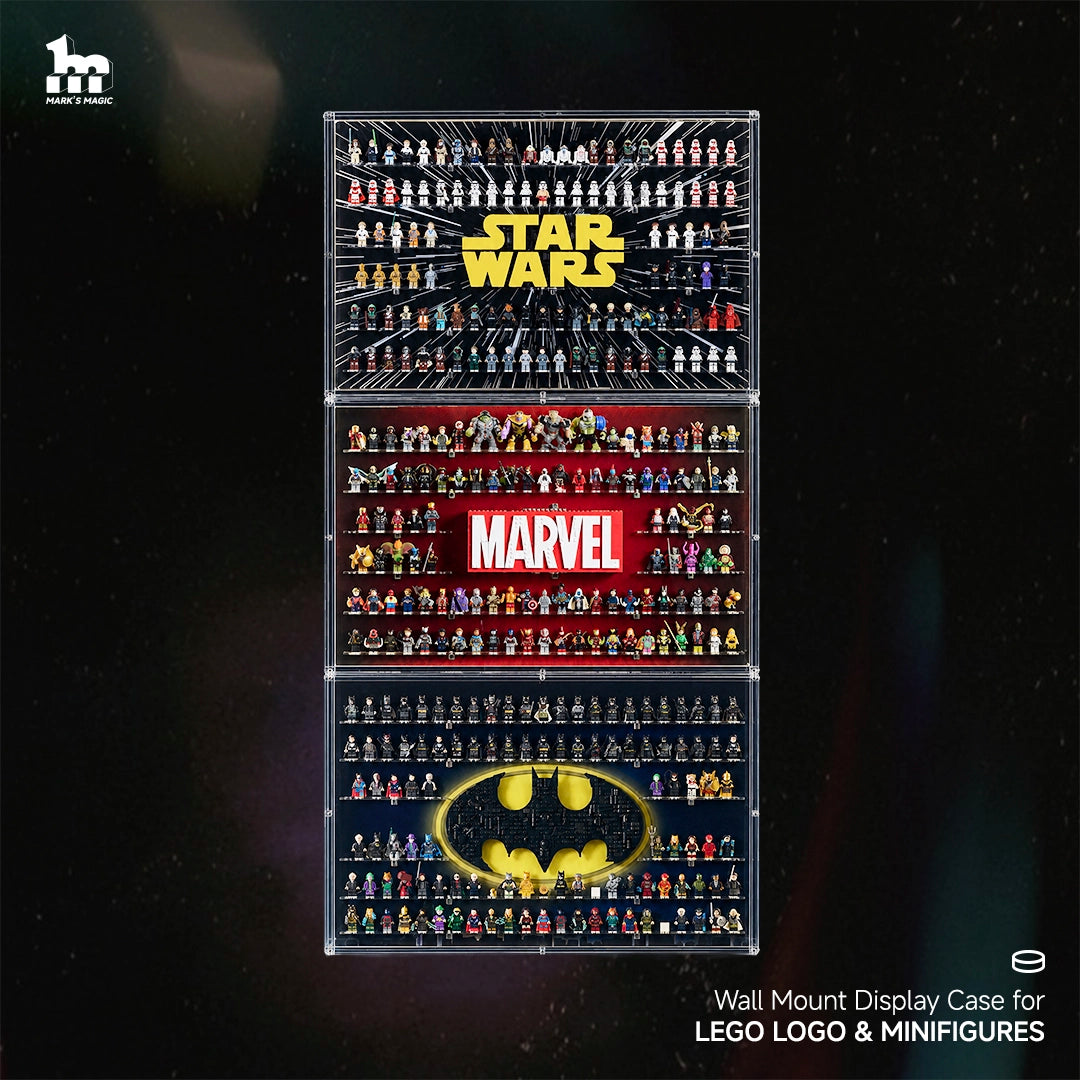
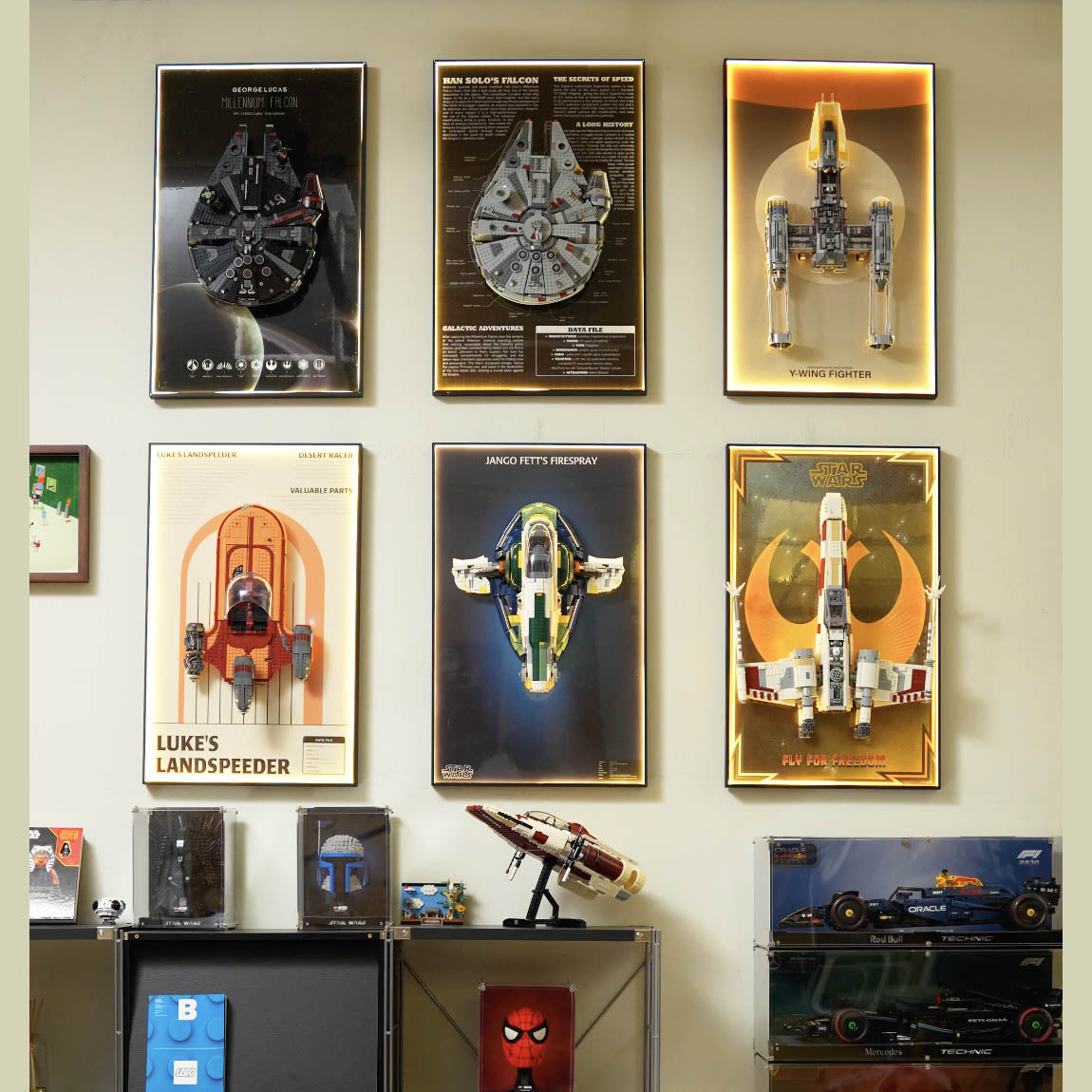
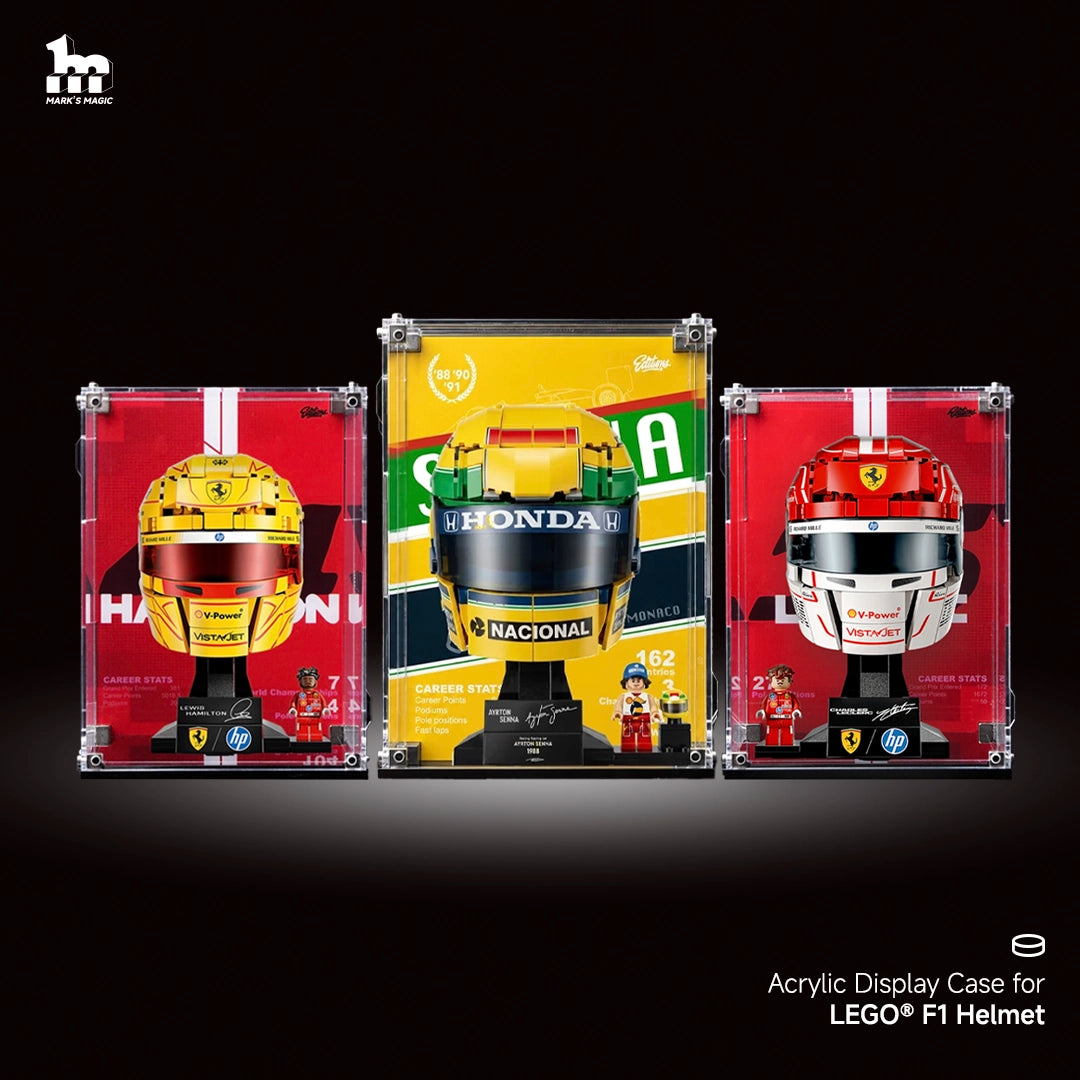
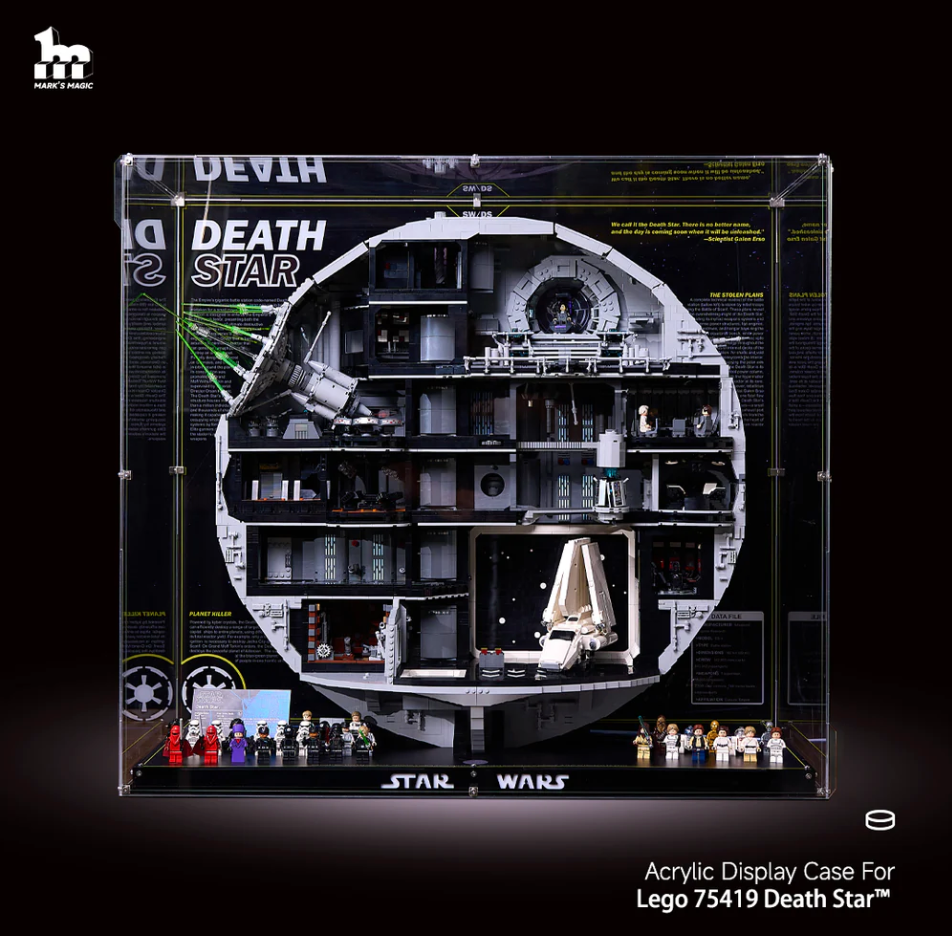
Displaying LEGO sets by theme is one of the most effective ways to introduce your collection to others. Grouping Star Wars™, Technic, or ICONS sets together creates a clear narrative and helps viewers immediately understand what they are looking at.
For guests or casual viewers, themed displays act like chapters in a story—each section explains itself without needing additional context. This makes your collection feel curated rather than crowded.

Display by Scale
Mixing large and small builds on the same surface can feel chaotic. Group similar-sized sets together so no single build visually dominates the rest.
Consistent scale also helps viewers visually process the display more comfortably, allowing their eyes to move naturally from one model to the next.


Display by Color Palette
If space is limited, color grouping can be surprisingly effective. Monochrome or complementary color zones reduce visual tension, even when themes differ.

Color-based sections also help guide the viewer’s attention and create a calm, organized impression—especially when displaying many sets in one area.
Use Vertical Space to Free Up Visual Room
Clutter often happens horizontally. Expanding vertically is one of the most effective solutions.
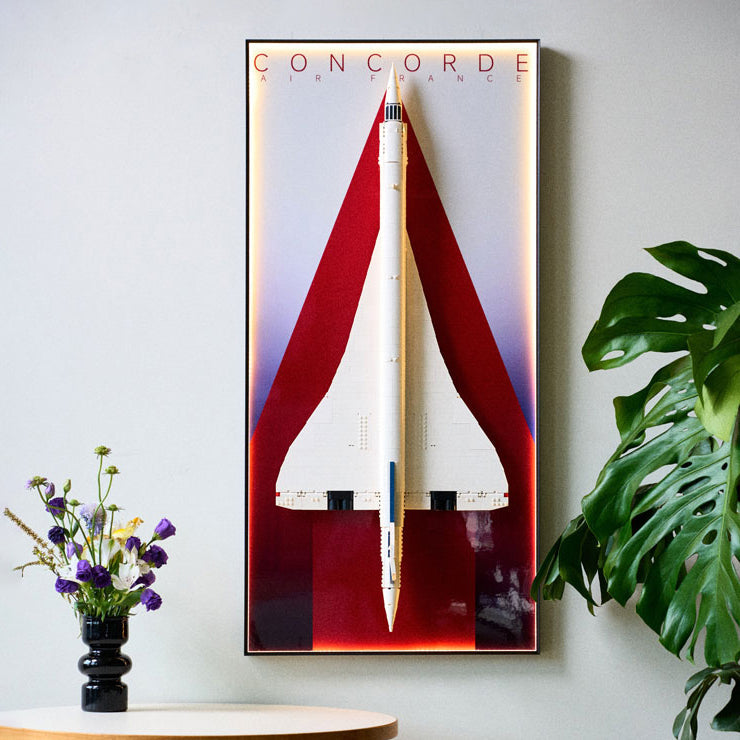
Wall-Mounted Display Frames
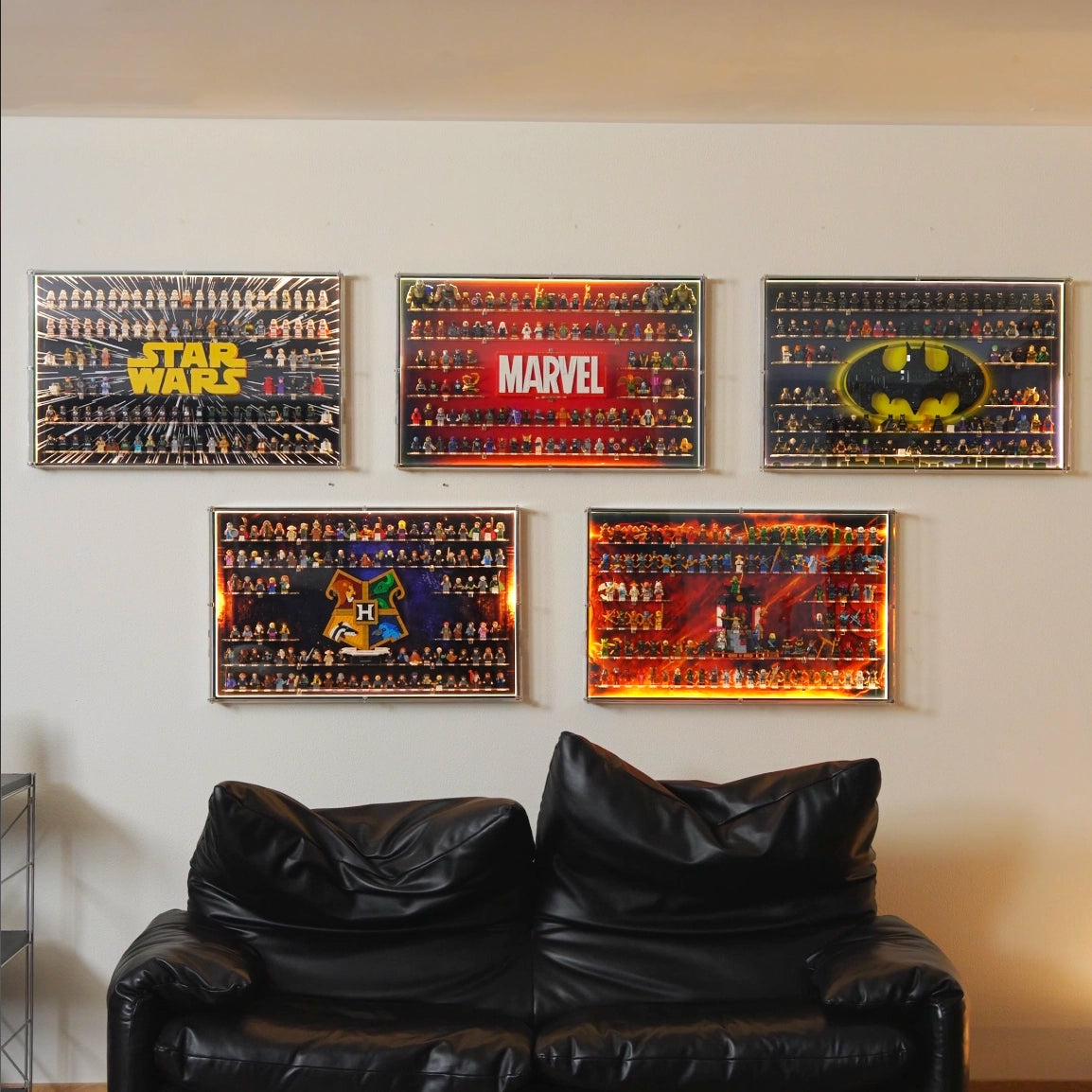
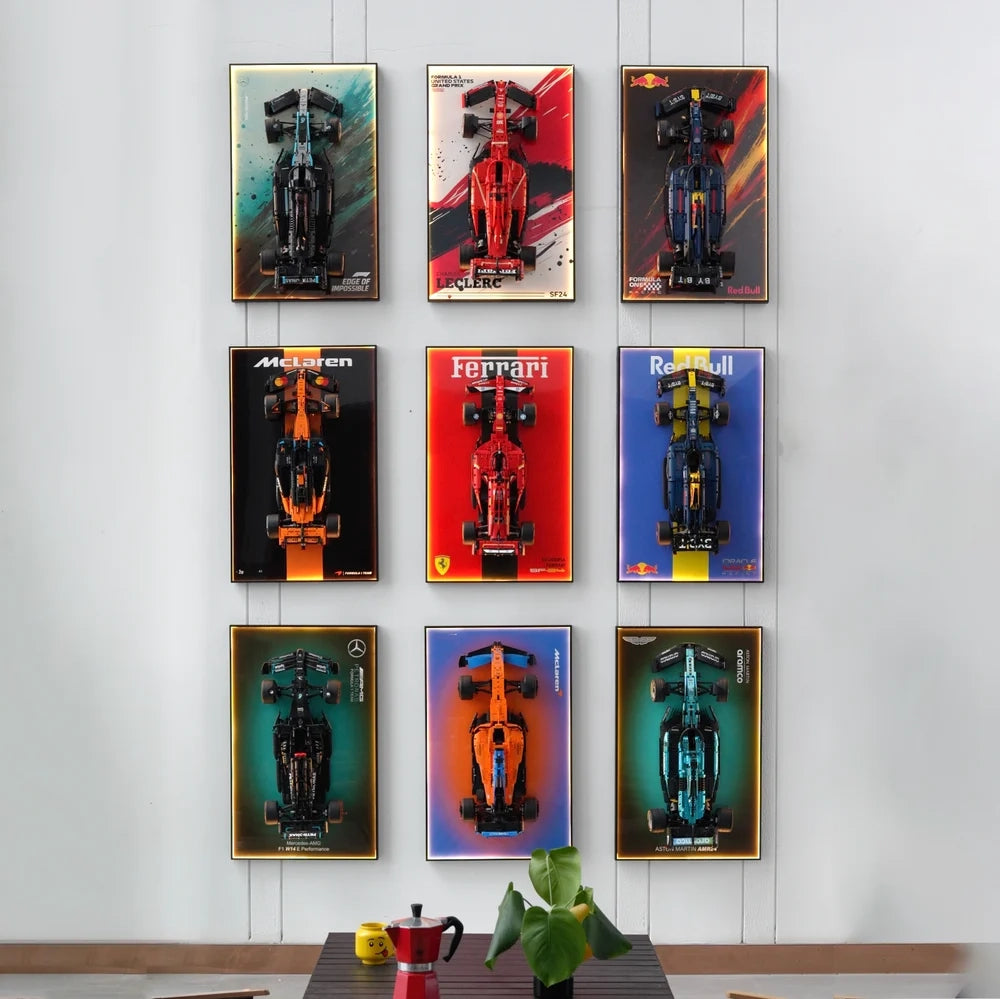
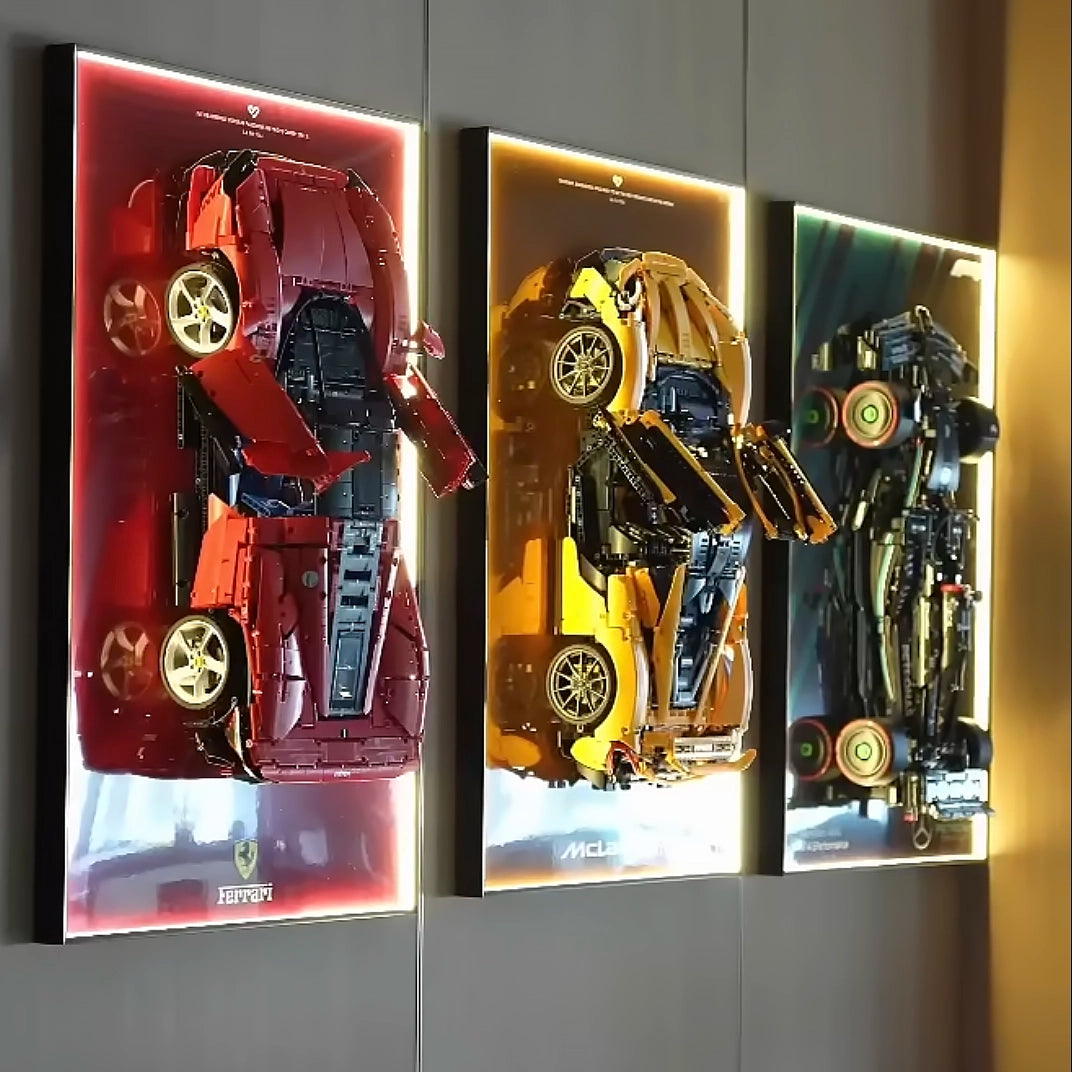
Wall displays lift sets off desks and shelves, instantly creating negative space around each build. This helps every model stand out as an individual piece rather than part of a crowded row.

Layered Wall Layouts
Arranging frames in clean rows or grids keeps multiple sets visually aligned, making even dense collections feel orderly.
Balance Open Space with Display Density
A common mistake is trying to fill every inch of available space. Instead, aim for intentional gaps.
-
Leave space between builds to define boundaries
-
Avoid overlapping silhouettes
-
Treat each set like a standalone exhibit
Open space isn’t wasted space—it’s what gives your LEGO sets presence.
Mix Display Heights and Depths Carefully
When everything sits at the same height and depth, displays feel flat. Small adjustments can make a big difference:
-
Use risers or stepped shelves
-
Combine wall-mounted displays with minimal desktop stands
-
Offset depths so sets don’t visually merge into one mass

The key is subtle variation, not randomness.
Add Lighting to Separate Sets Visually
Lighting doesn’t just make LEGO look better—it also reduces clutter perception.
-
Soft backlighting separates builds from the wall
-
Individual lighting zones prevent visual blending
-
Highlighting details draws attention where you want it
Even simple LED setups can dramatically improve clarity and depth.
Curate, Don’t Crowd: Rotate Your LEGO Displays
If you own many sets, displaying all of them at once isn’t always the best option.
-
Rotate featured sets seasonally
-
Keep secondary builds stored safely
-
Refresh displays without adding clutter
This approach keeps your space feeling new while protecting your collection long-term.
Final Thoughts: Let Every LEGO Build Be Seen
Displaying multiple LEGO sets together without clutter comes down to intentional design. Group thoughtfully, use vertical space, embrace open areas, and consider wall-mounted display frames or lighting solutions to elevate the entire presentation.
Your collection deserves more than being packed onto a shelf. With the right layout, every build gets the attention it earned—clean, balanced, and visually striking.
If shelving is the main structure of your collection, our LEGO Display Shelves guide covers depth, spacing, load capacity, and planning for future growth.

Written by MaZhiyuan











Leave a comment
This site is protected by hCaptcha and the hCaptcha Privacy Policy and Terms of Service apply.